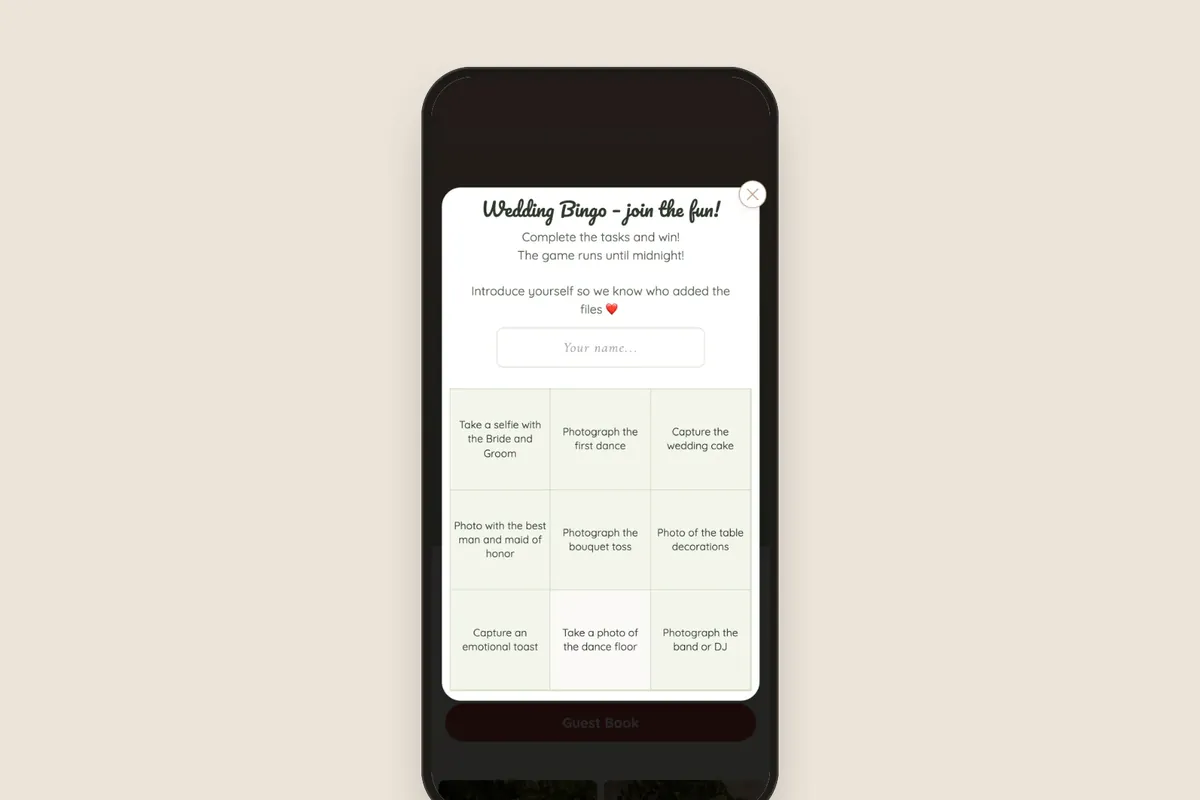
Online guestbook: wishes as text, photos and video
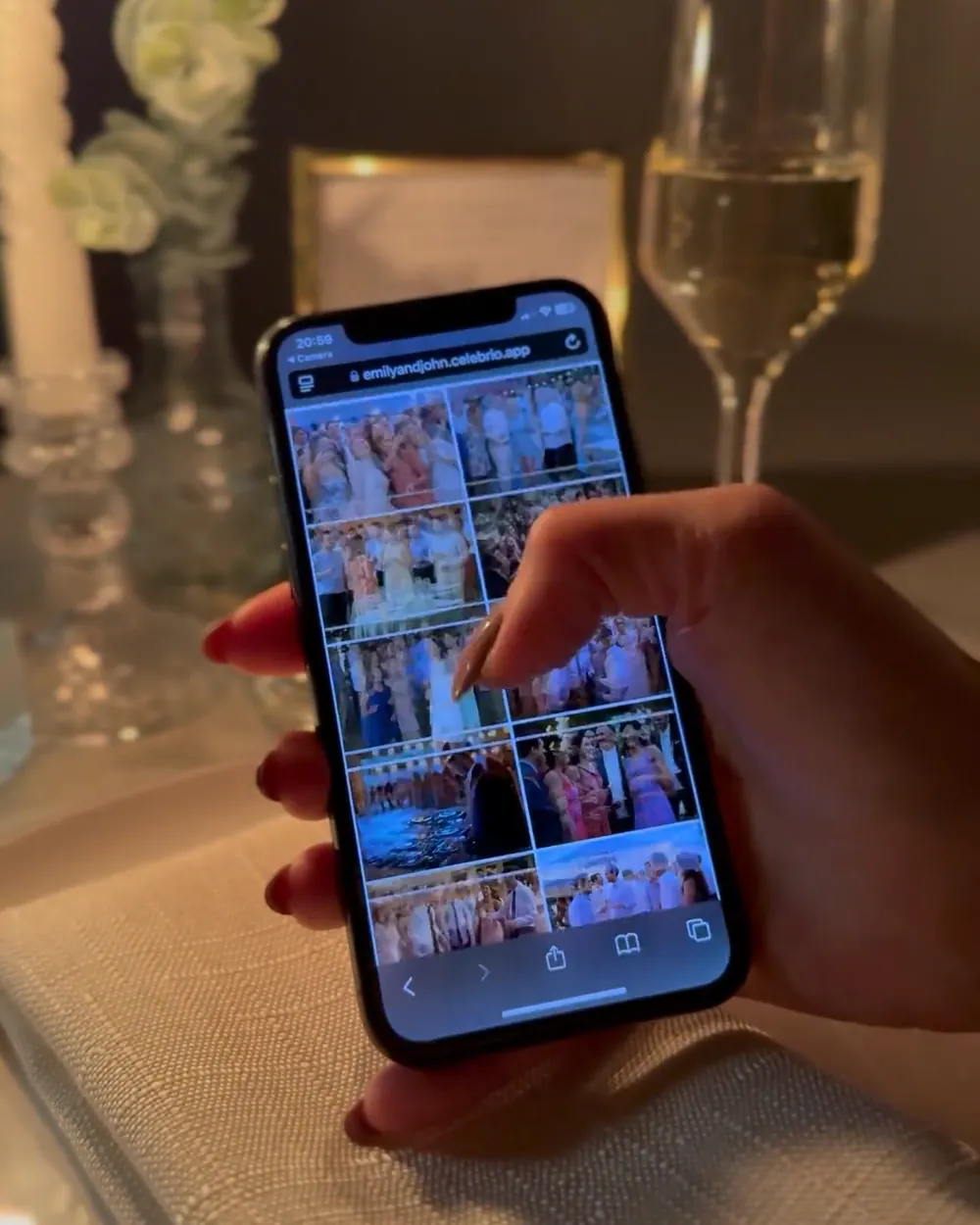
An online guestbook is a spot in your wedding gallery where guests leave you wishes from their phones: typed out, with a photo or as a video. It opens from the same QR code as the photo gallery, no app, no login. Below: a comparison with a paper guestbook, how it works and ways to get guests to actually write something.
What an online guestbook is
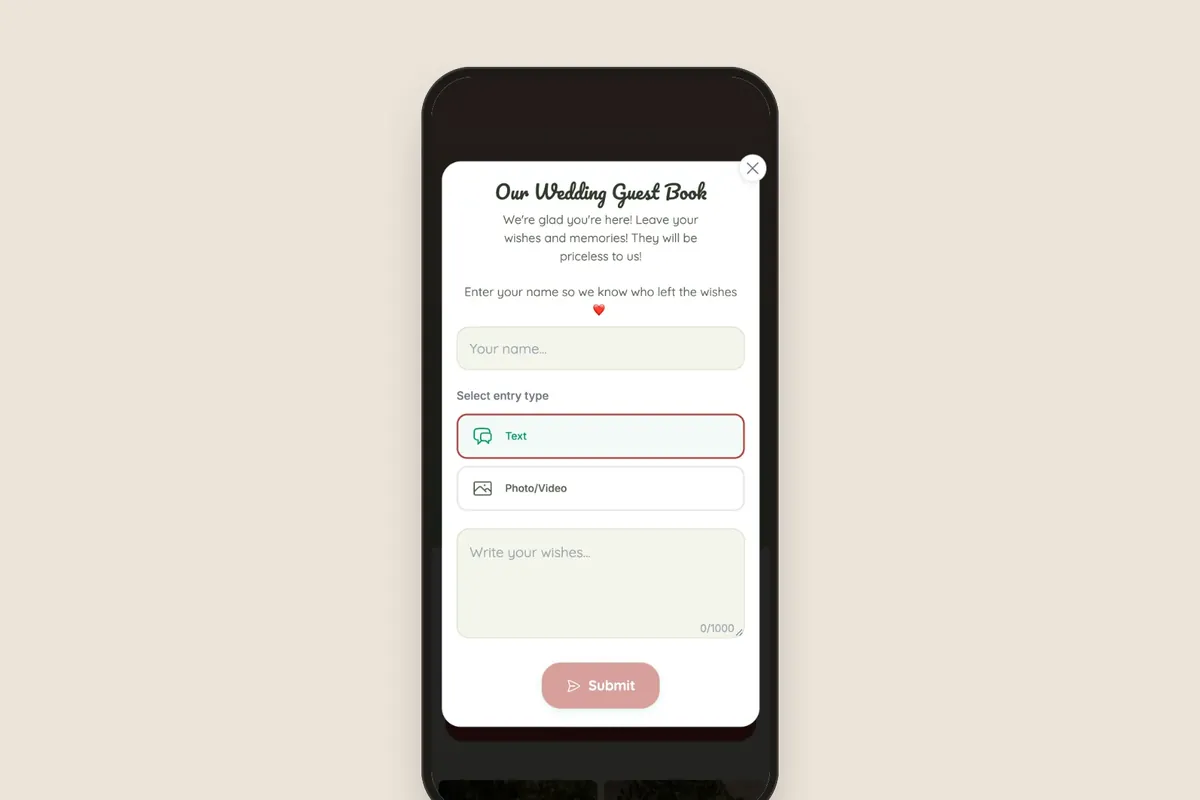
A traditional guestbook sits on a table by the entrance, waiting for someone to come over. An online guestbook is on every guest’s phone. A guest scans the QR code on the table, opens the gallery in the browser and goes to the guestbook. There they choose whether to write a message or add a photo or a video with their wishes.
Video gives you the most. Recorded wishes from grandma, the best man or college friends capture voices, laughter and things that are hard to put in writing. Years from now, a video like that feels different from a pen-and-paper entry.
Paper or online guestbook?
You don’t have to choose. A paper guestbook is a lovely keepsake for the shelf, and an online guestbook captures what paper can’t. They differ mainly in the form of entries and when guests can leave them.
With an online guestbook, no one waits in line for a single pen. Guests who left early or didn’t get around to writing can add their wishes the next day from the link. The gallery interface is available in 9 languages, so guests from abroad can manage too.
A paper guestbook has its own charm: handwriting, kids’ drawings, an object you can hold. If you love it, put a QR code card next to it. Then guests who’d rather record their wishes than write have a place to leave them too.
How the guestbook works in a Celebrio gallery
The guestbook is part of the QR gallery. You don’t need a separate code or a separate link.
- A guest scans the QR code with their phone camera or opens the gallery link.
- They go to the guestbook.
- They choose the format: a text message, or a photo or video.
- They write their wishes, add a photo or video and send the entry.
What guests see, and what only you see
You decide whether guestbook entries are visible to guests in the gallery or stay just for you. The first option creates a shared wall of wishes that guests browse during the wedding. The second is like a sealed envelope: you read the wishes yourselves, after it’s all over.
You can also turn on guestbook moderation, meaning you approve entries before they appear in the gallery. Moderation is set separately for the guestbook, the photo gallery, bingo and each subfolder.
Preparing before the wedding
- Decide whether guestbook entries should be visible to guests or just to you.
- Set up guestbook moderation if you want to approve entries before they’re shown in the gallery.
- Add a test entry yourselves, with text and a video, to see how the guestbook looks to a guest.
- On the QR code cards, mention that a guestbook is waiting in the gallery too.
How to get guests to sign your online guestbook
Guests happily add photos, but wishes can be harder. An empty field is intimidating, and recording a video at the table takes courage. A few simple tricks help.
Give them ready-made questions
Instead of “Leave your wishes”, give guests a specific topic. List two or three questions on the card next to the code:
- What’s your best memory with us?
- What’s your best advice for our life together?
- What do you wish us on our tenth anniversary?
- Which song from tonight will you remember?
Tell them short is fine
Many guests don’t sign because they think they need to prepare a speech. Write on the card or say over the mic that two sentences or a short video are enough. A few heartfelt words from every table will give you more than a handful of long entries.
Set up a recording corner
On the dance floor, music drowns out any video. Set aside a quieter spot, like a table in the lobby or on the terrace, with a code card and short instructions. Guests can record their wishes there in peace, without an audience.
Remind guests about the guestbook at the right moment
Ideally after dinner and the speeches, when guests have relaxed but aren’t dancing yet. One sentence from the DJ or MC is enough. The day after the wedding, text the link with a thank-you and a request for a few words for you.
Help older guests
Grandparents are often happy to record wishes but don’t know how to start. Ask the grandkids or younger people at the table to help them scan the code and start recording. Those videos often turn out to be the most precious.
You can set up the gallery with a guestbook for free and check how it looks to a guest. You pay once, when you publish. For weddings there are two packages: Standard 299 zł (gallery for a year) or Plus 499 zł (3 years).
Frequently asked questions
No. The guestbook is part of the gallery, which works in the phone’s browser. Guests scan the QR code or open the link, with no account and no login.
That depends on the couple’s settings. The organizer can show guestbook entries in the gallery or keep them private.
A text message, or a photo or video with wishes.
Yes, for the whole guest access period of the chosen package. All they need is the gallery link, which you can send by text.
The guestbook is part of the QR gallery. For weddings there are two packages: Standard at 299 zł (gallery for a year) or Plus at 499 zł (3 years), paid once, when you publish.