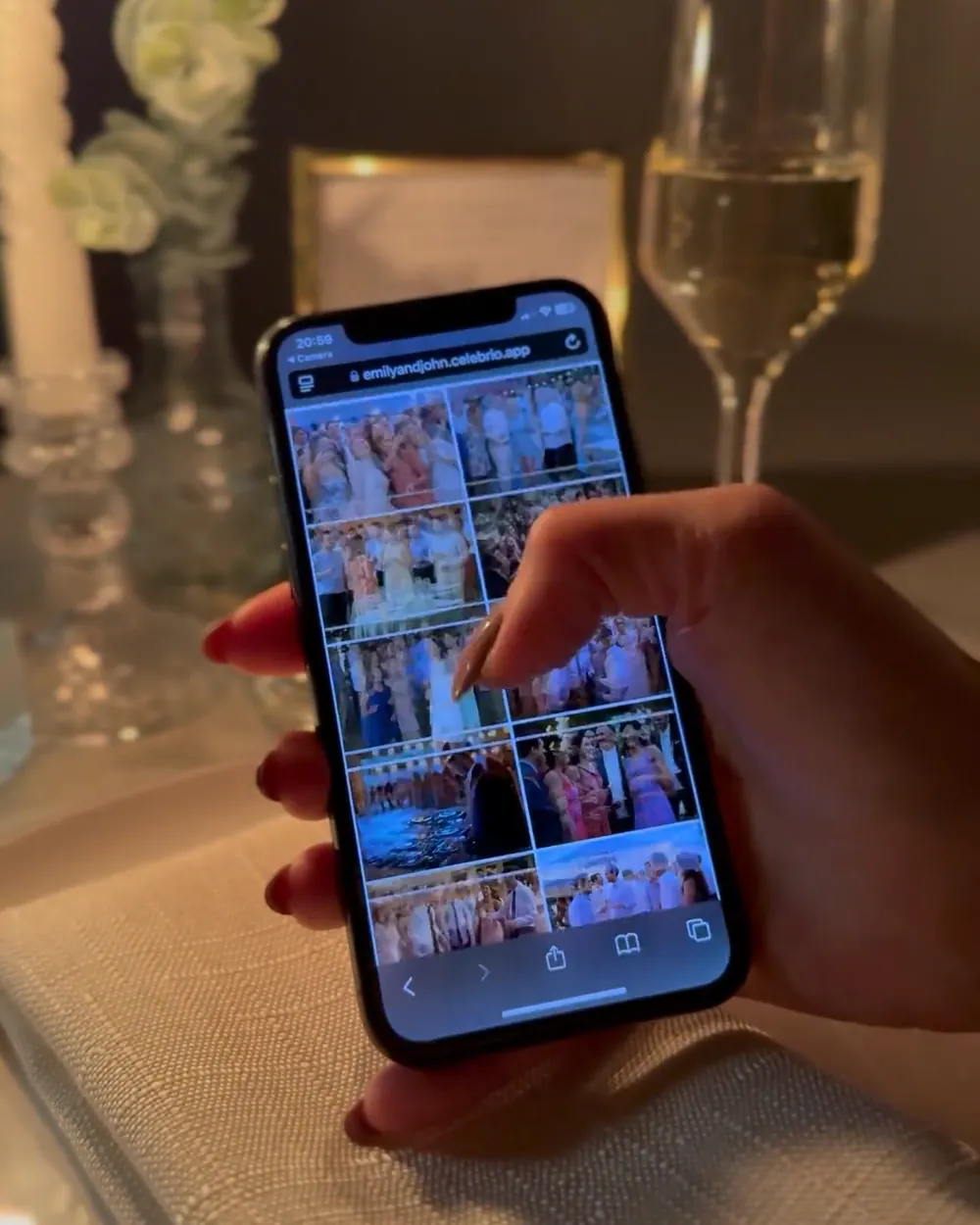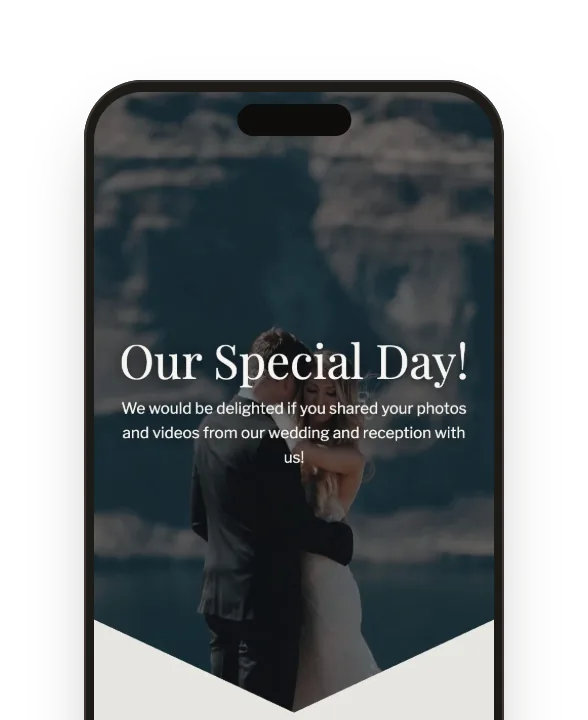
Gallery
All your guests’ photos and videos in one place. No loss of quality, and you can download the whole album.
Discover the QR gallery features
QR photo gallery for weddings and other celebrations
Guests scan a QR code and add photos and videos straight from their phones — no app to install, no login. You get everything they upload in one place.
Pay only when you publish · from 299 zł, one-time

2 469+
couples have already collected photos
962 910+
photos from guests
390
photos from an average wedding
With Celebrio, photos and videos go straight into a shared album — no chasing each guest for them.
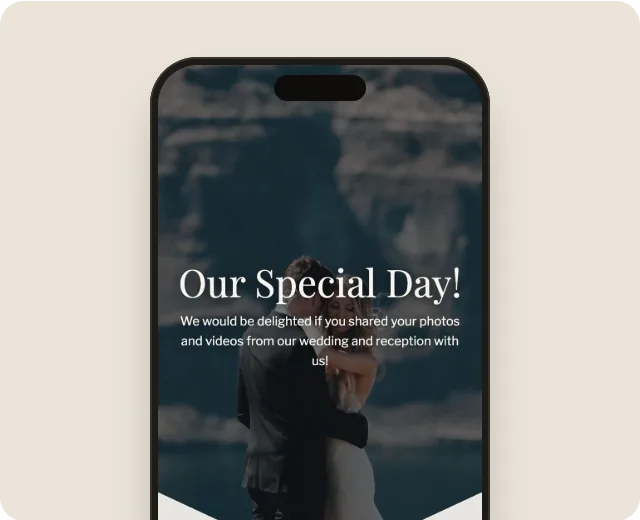
Pick a template, add your names and the date. All for free.
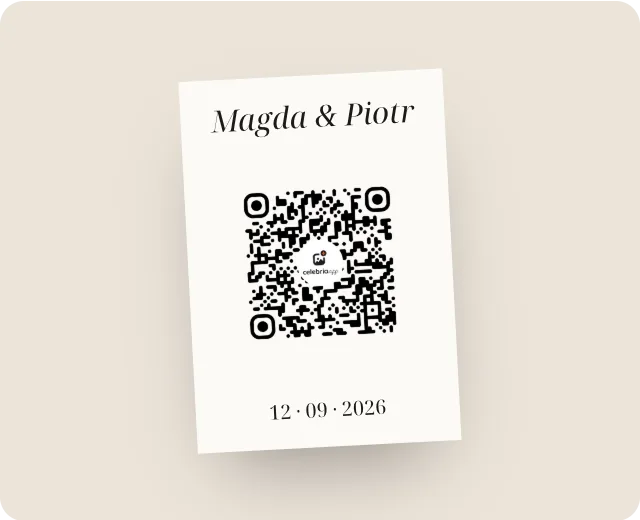
Download ready-to-print QR code cards. You can also send the gallery link straight to your guests’ phones.
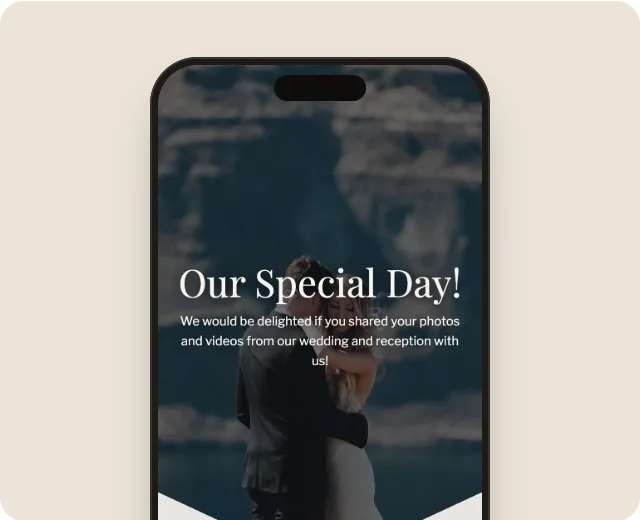
Watch the photos come in live, and after the wedding download the whole album in one click.
1 They scan the QR code
With their phone camera, no extra app.
2 They open your gallery
Right in the browser, no login.
3 They add photos and videos
Everything they upload goes into the shared album.
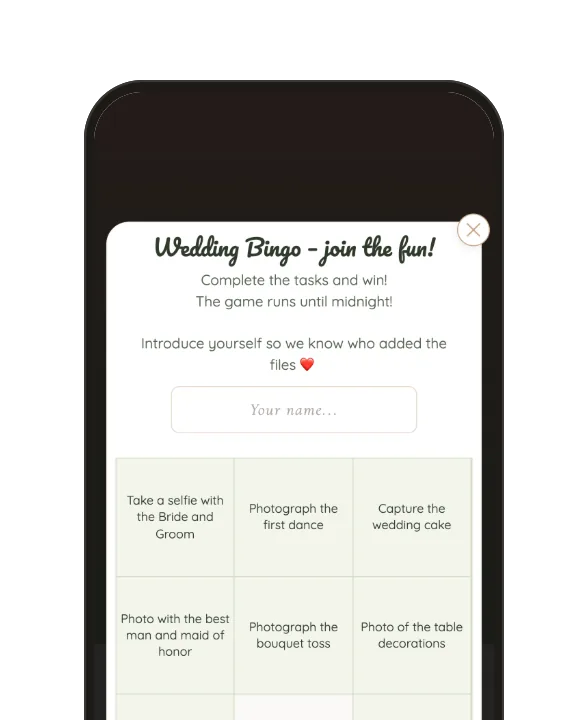
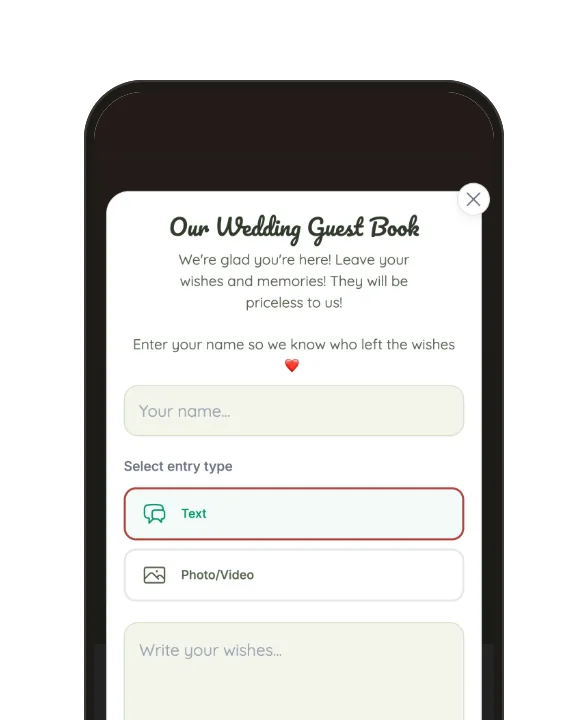
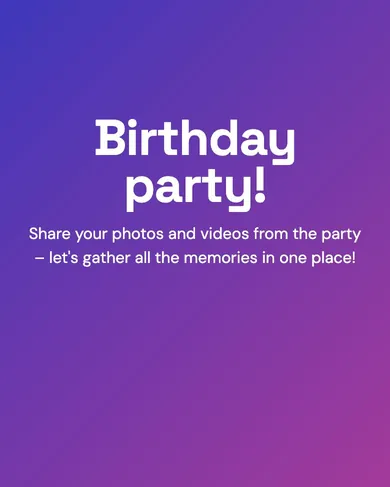
Dozens of templates — from linen and greenery to black and champagne. Match the colors, fonts and photos to your style in a few minutes.
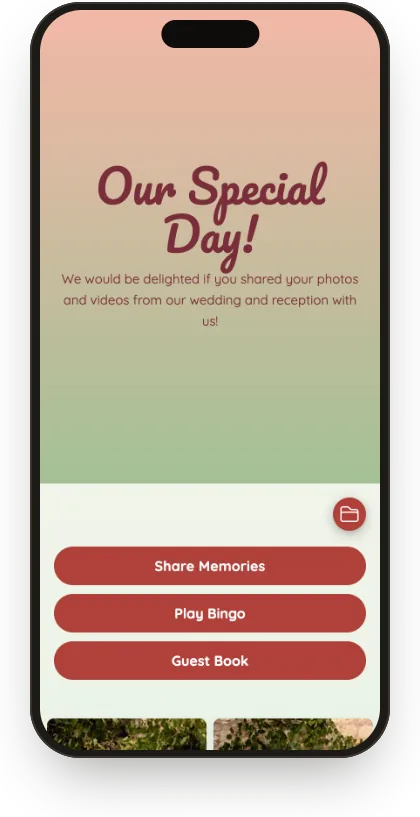
Flower Meadow
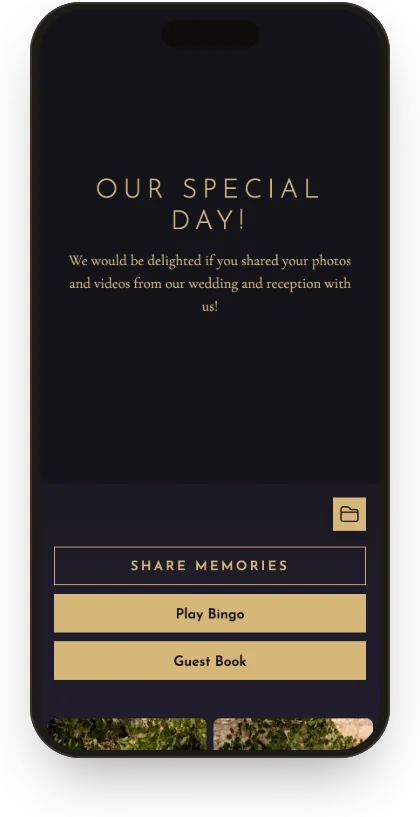
Black & Champagne
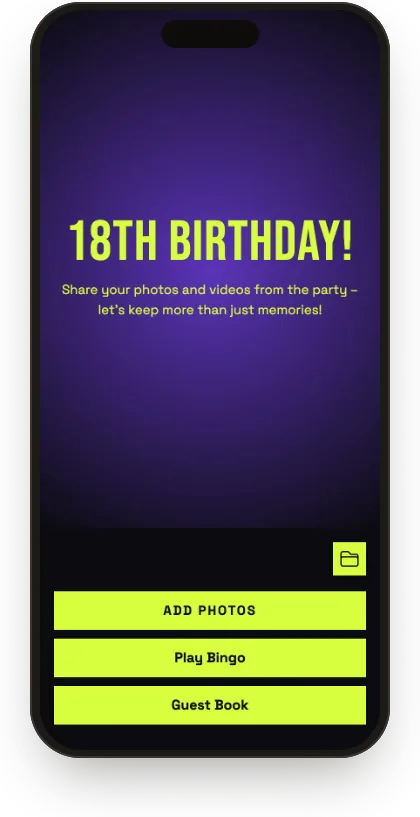
Neon Night
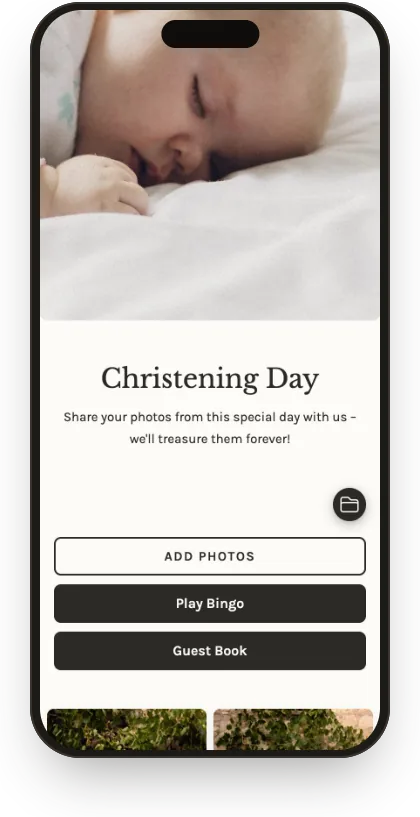
Linen Christening
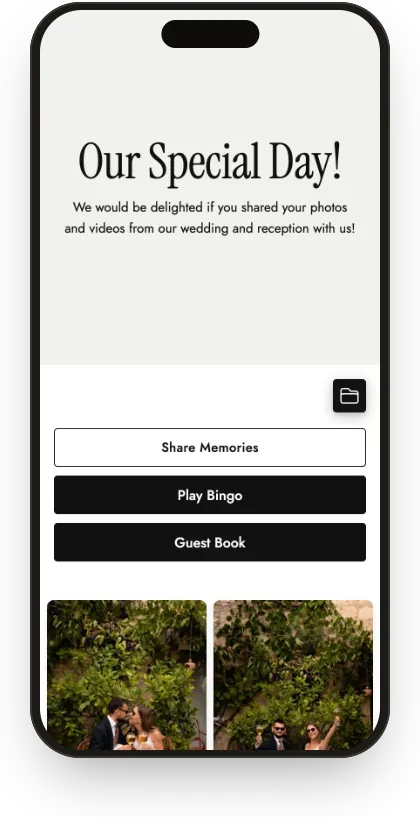
White & Graphite
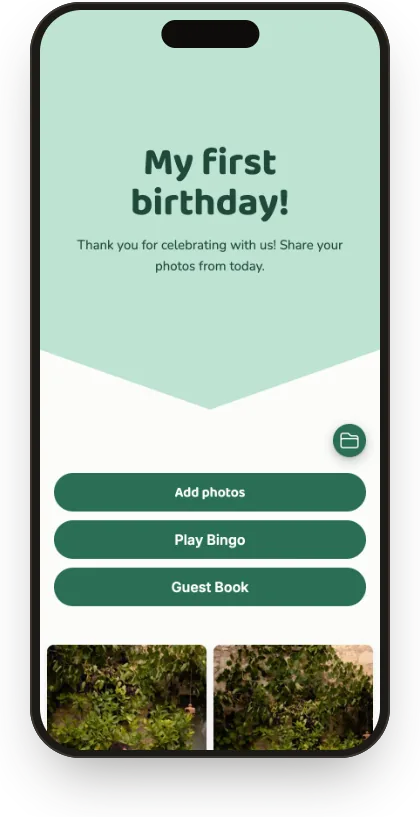
Mint First Birthday
“We had 120 guests and collected over 600 photos. We just put cards with the QR code on the tables and guests added pics themselves all evening. By morning we had a finished album!”
Ania and MateuszWedding
“The best thing about Celebrio is that it works in the browser. Nobody had to install anything. Scan the code and that’s it. Photos showed up in the gallery right away, and the guests loved it!”
Kasia and PawełWedding
“Thanks to Celebrio we saw our wedding, and especially our first dance, from a completely different perspective! We were rushing around and stressed, and in the morning dozens of videos and shots from guests were waiting on our phone, from every corner of the venue.”
Monika and PiotrWedding
Reviews from couples who used Celebrio. We do not verify whether the reviewer bought a package.
Only for your guests. The gallery opens with a link or QR code. You can also protect it with a password. No ads, and guests don’t need to create accounts.
No. Celebrio works in the browser: just scan the QR code or tap the link. There’s nothing to download, no account to create and no login. It works on any phone (iPhone, Android) and computer.
It depends on the package: from 2 GB (about 1,000 photos) with Mini to 100 GB (about 50,000 photos or 1,000 short videos) with Plus. Photos go into the gallery in full quality.
From 14 days (Mini) to 3 years (Plus); Standard and Plus can be extended.
Yes. Create a free account and try every feature. You choose a package only when you publish the gallery for guests.
Only people with the link or QR code. The gallery isn’t publicly available online, and you can also set a password. No ads, no profiles, no public posts.
They just scan the code with their phone camera and tap “Add photos”. No typing, no account. If anyone gets stuck, someone at the table can help, and you can also send the link by text.
Yes. Pick a template, then change the colors, background, fonts, photos and text.
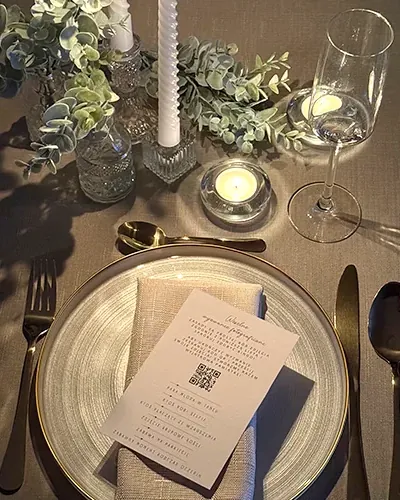
Print the ready-made table cards, add the code to your invitations or put up a poster at the entrance. Download the code from your dashboard as a PNG file, and send the link by text or email.
Creating a gallery takes just a few minutes and costs nothing. You pay only when you decide to share it with your guests.